Shop
Shop Configurator
Generally
Example configuration Waveshare and SMT100 Modbus
The Waveshare instructions can be found here:
https://www.waveshare.com/wiki/RS485_TO_ETH_(B)
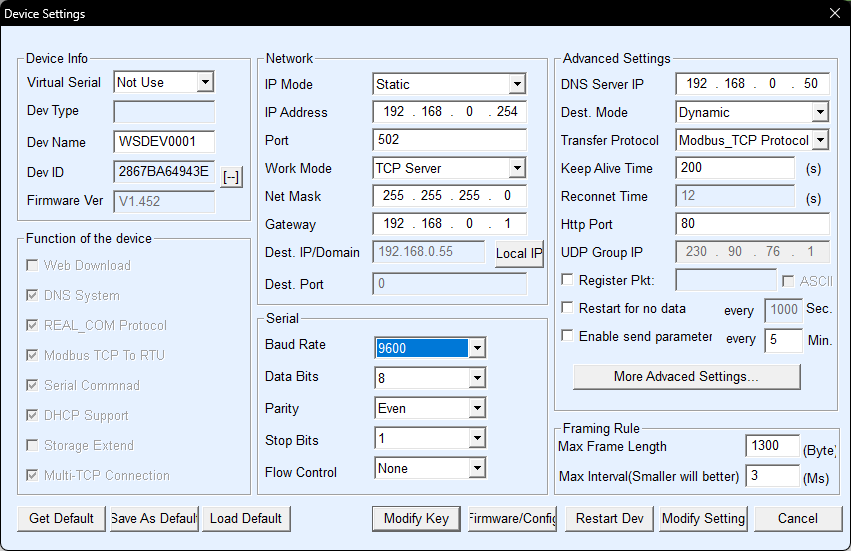
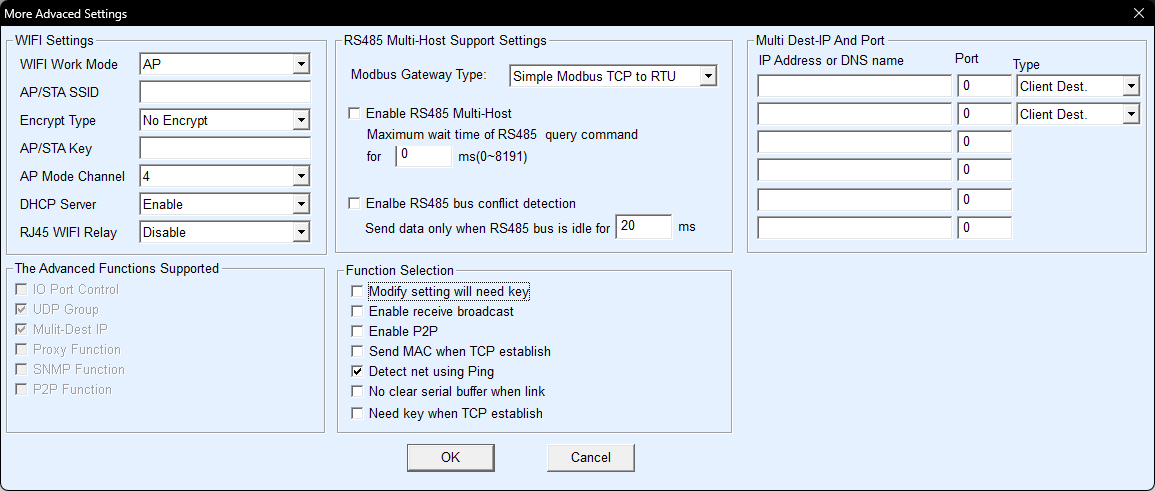
In principle you just have to connect the Waveshare and install the software. Then set it up as follows:
Start VirCom, “Device Management”, then the device should appear.
Configure the device with “Edit Device”. You can freely choose the port, e.g. 502 or 8899 or completely different
Important: Use firmware 2.3.0.(135) or newer!